

To get started, follow the steps below:
- Navigate to Pages > All Pages.
- Select a page you would like to edit or add a new page, and click on the “Edit with Elementor” link.
- The website will redirect to another URL and the panel will appear on the page. Then you can search “Youtube Videos” blocks in the Elementor.
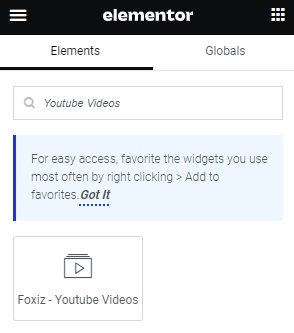
- After you search “Youtube Videos”, you can drag and drop blocks inside.
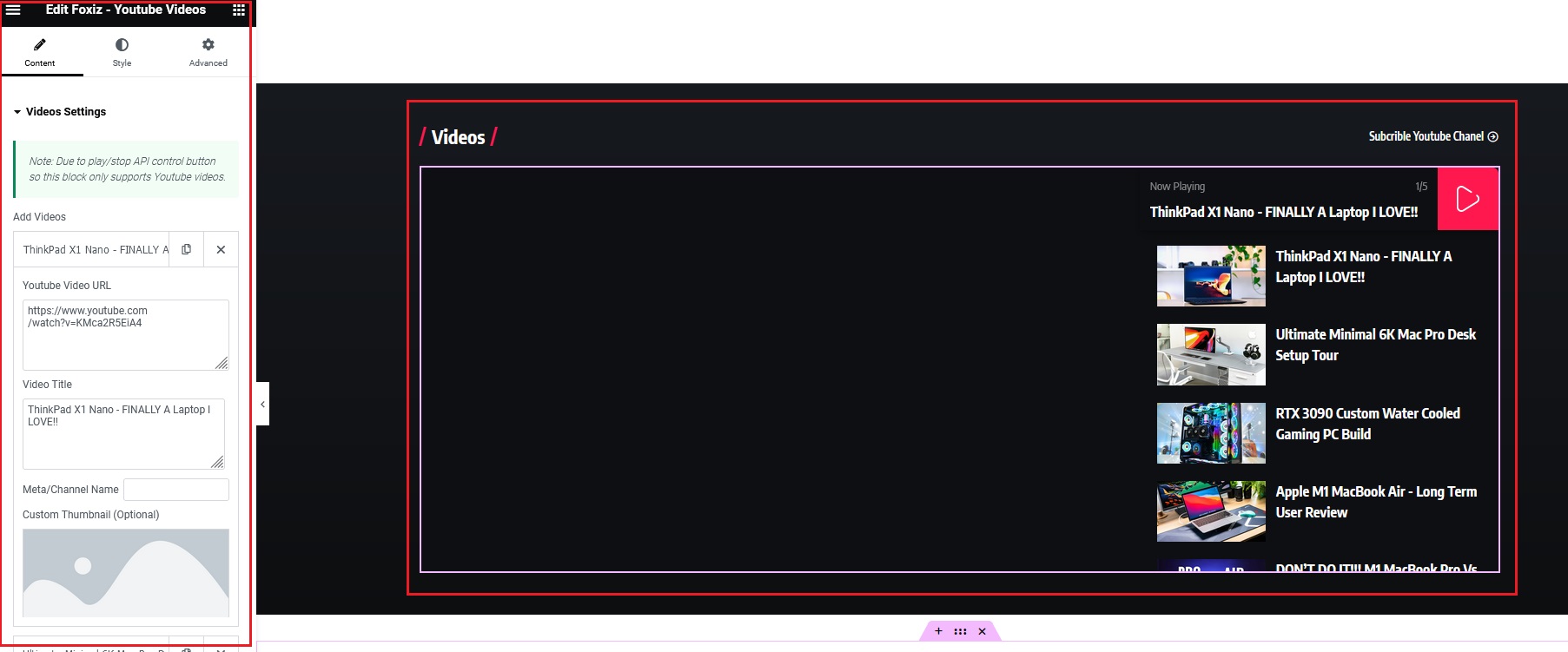
- Here, you can make your desired changes within the Elementor options through tabs such as Content, Style, and Advanced.
- Click “Update/Publish“
