The review feature allows you to create review posts using a system based on the score so you can easily create product reviews for your website.
To create a review post, follow the steps below:
- Navigate to Post > Add New
- Scroll down the page to find the “Post Options” panel, select the “Review” tab.
- Select the “Enable” option in the “Post Review”.
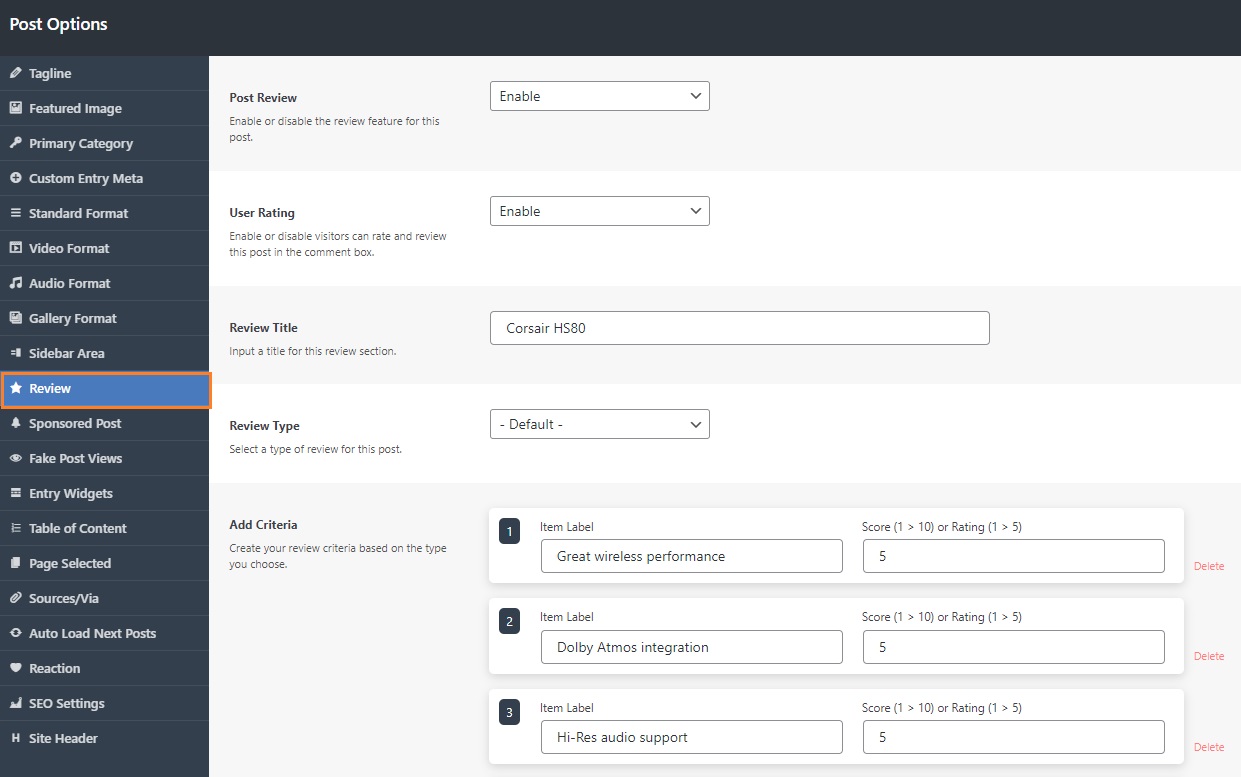
- Input labels, the value of the stars.
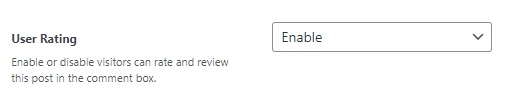
Users Review
Foxiz supports a review filed. That allows your visitors to post their reviews through the comment section.
To enable it, select the “Enable” at the “User Rating” option.