
You have 2 types of options for a category in the theme:
- Global Options: it will apply to all categories.
- Individual Category Options: you can set up options for a specific category, those settings will override default category settings.
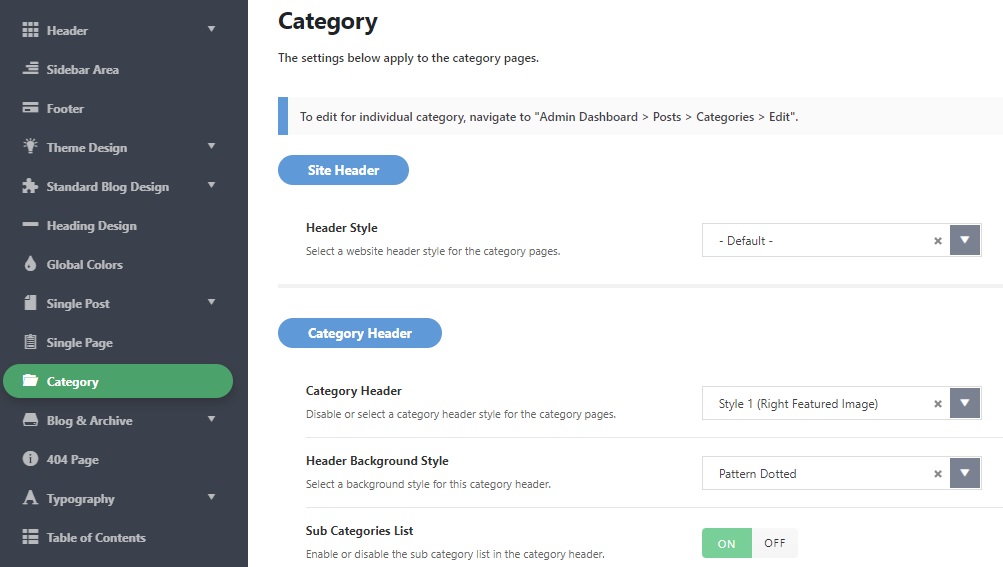
Global Options
Global options panel is located in the Theme Options.
To get started, navigate to Theme Options > Category.
Individual Category Options
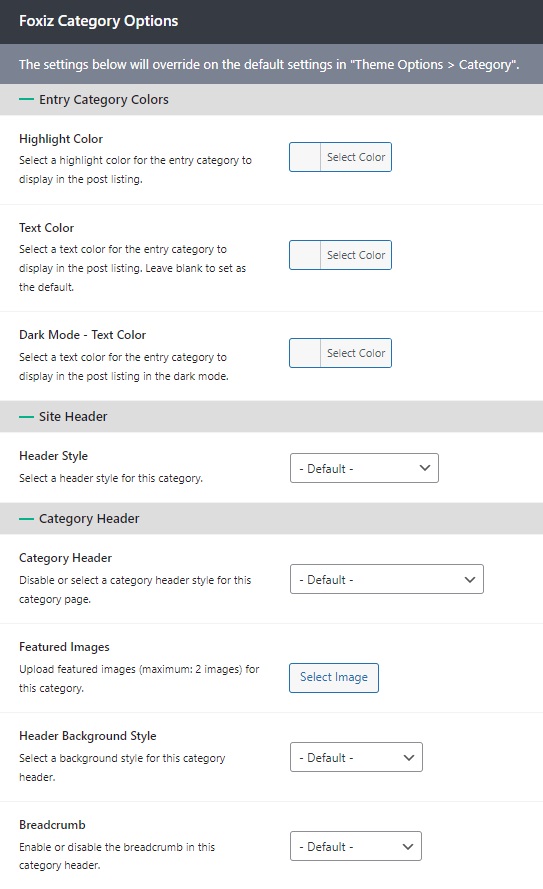
You can config for each category, these options will override the global settings.
To get started, follow the steps below:
- Navigate to Posts > Categories page.
- Select a category you want to edit, click on the “edit” link to navigate the edit category page editor.
- Scroll down to the bottom page to find the Foxiz Category Options panel, you will see all options for this category are located here.
- Click on the “Update” button to save your changes.
