
Foxiz provides an option that allows organizing how you want the entry meta info to appear in the single post pages: author, date, comments, views…
To get started, follow the steps below:
- Navigate to Your Dashboard > Theme Options > Single Post > Entry Meta.
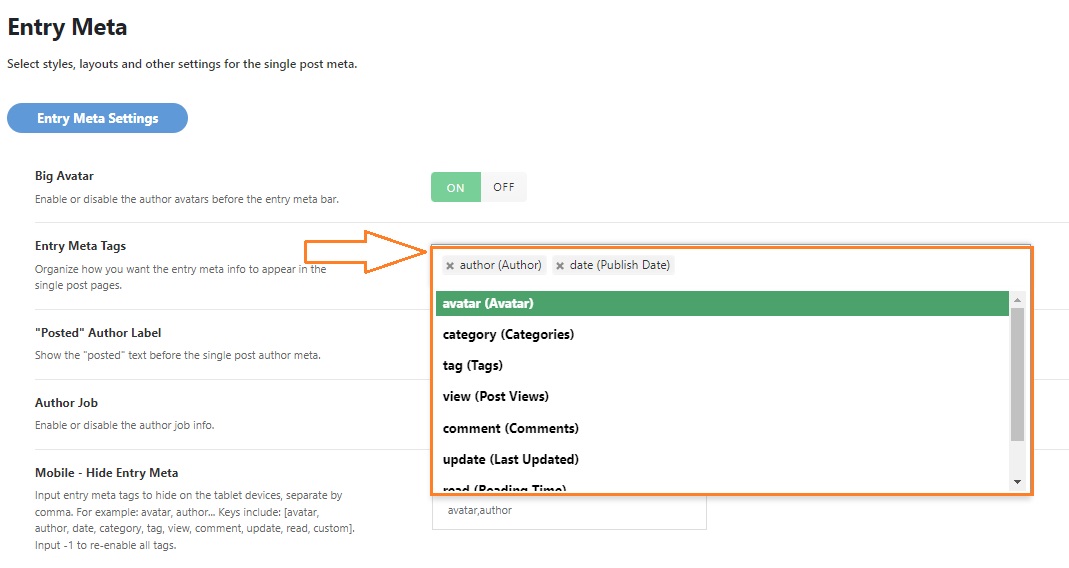
- Find the “Entry Meta Tags” option.
- Then click on this field option and select your meta info.
- Click on the “Save Changes”.
