
Your Twitter username will be fetched from your user profile when sharing on Twitter. If you’ve added your Twitter details in your profile, the theme will use this information to display accordingly.
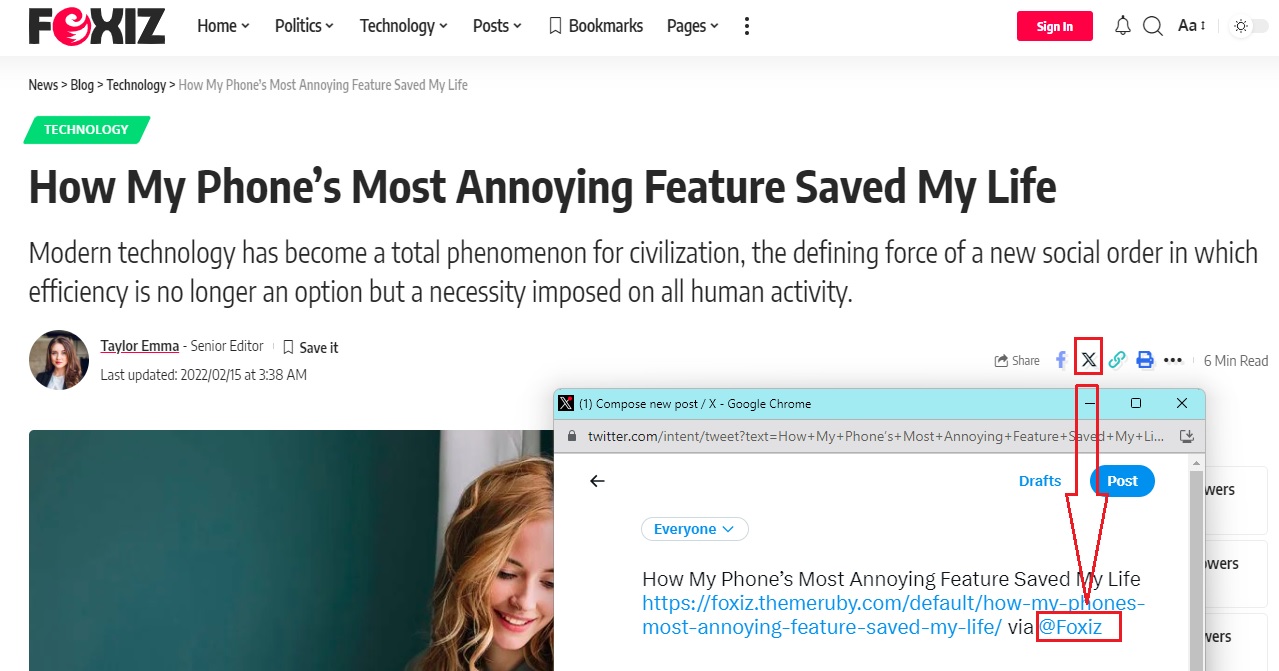
To add Twitter details to your profile, please follow the steps below:
- Navigate to Users > All Users > Your Username and click Edit.
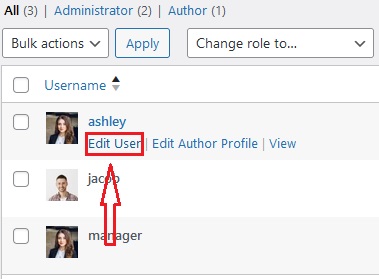
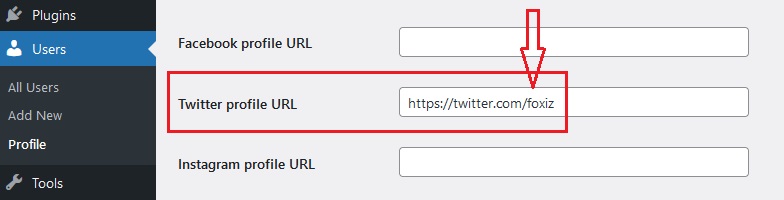
- The website will redirect you to the profile editing page. On this page, you can find the option for the Twitter profile URL.
- In this option, you should input the URL of your Twitter profile page.
- Click “Update Profile“
