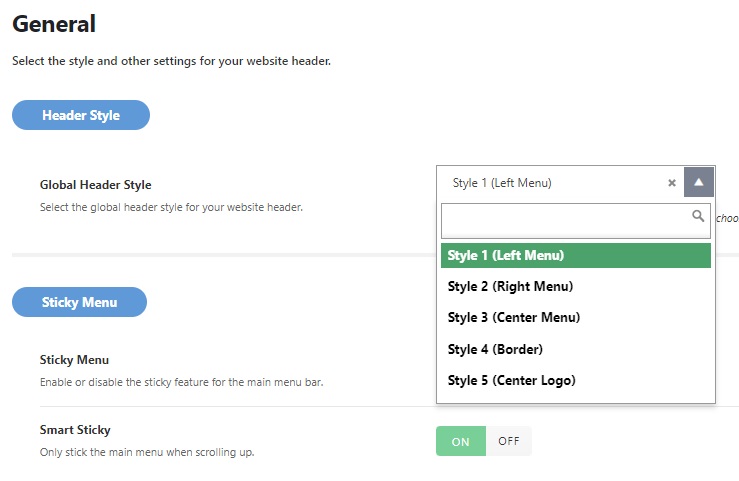
Foxiz comes with 5 different header styles and layouts. Each with its own unique design.
Global Options
To get started, navigate to Theme Options > Header > General > Header Style
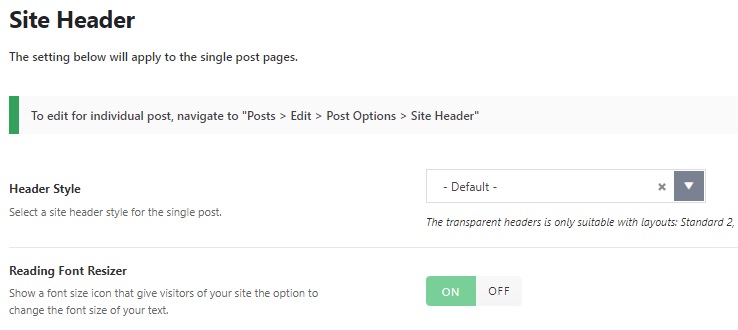
Settings for Posts
To get started, navigate to Theme Options > Single Post > Site Header > Header Style
Settings for Individual Post
You can config for each post, these options will override the global settings.
To get started, please follow the steps below:
- Navigate to the post edit page
- Scrolling down to the bottom to find the Post Options panel
- Select the Site Header tab then edit what you need
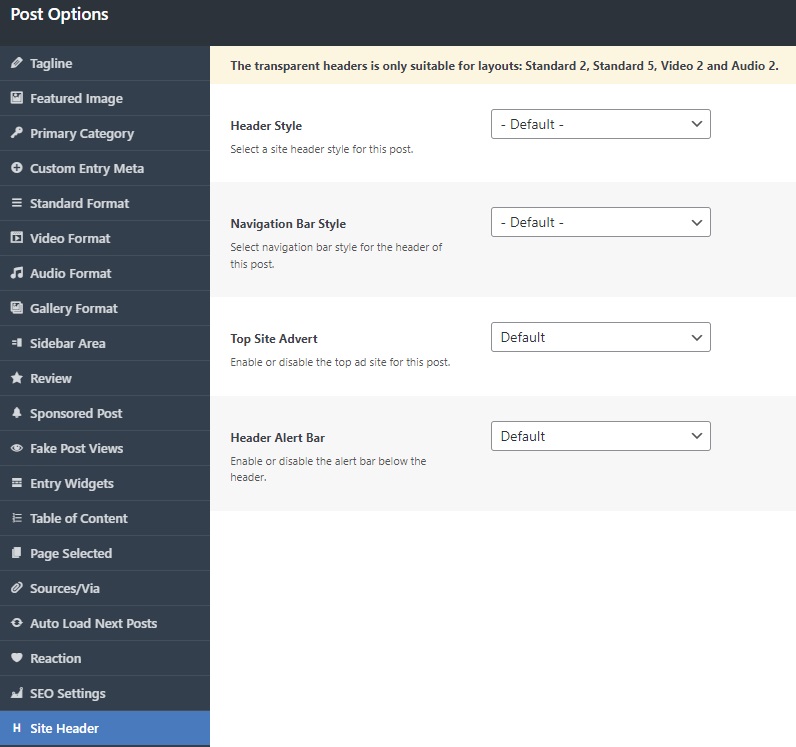
- Save your changes.
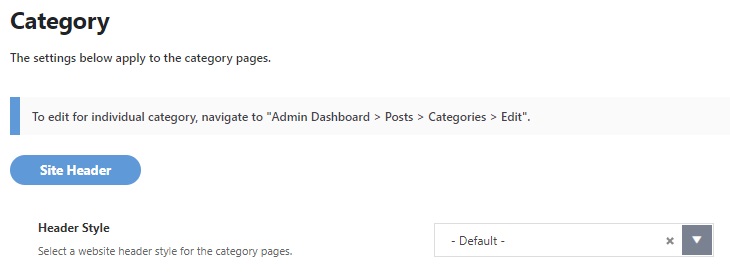
Settings for Category Pages
To get started, navigate to Theme Options > Category
Settings for Individual Category Page
You can config for each category, these options will override the global settings.
To get started, follow the steps below:
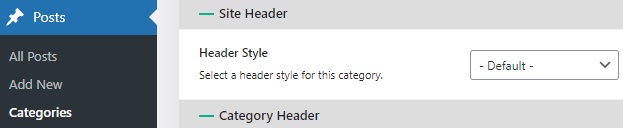
- Navigate to Posts > Categories page.
- Select a category you want to edit, click on the “edit” link to navigate the edit category page editor.
- Scroll down to the bottom page to find the “Header Style” option.
- Click on the “Update” button to save your changes.
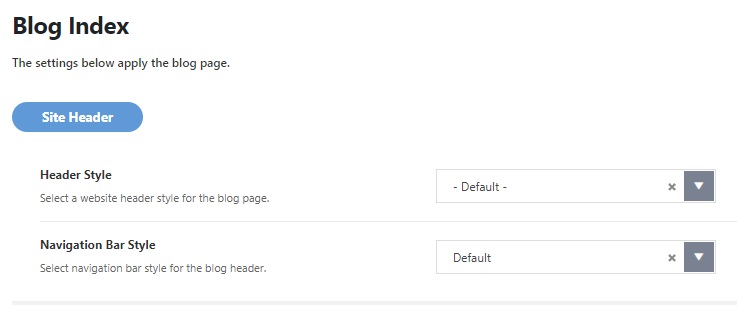
Settings for Blog Index
To get started, navigate to Theme Options > Blog & Archive > Blog Index > Header Style
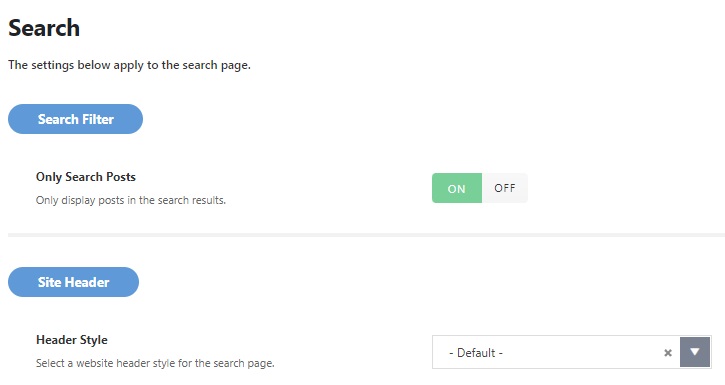
Settings for Search Page
To get started, navigate to Theme Options > Blog & Archive > Search > Site Header > Header Style