To ensure the smooth operation of new features, it is important to update the Foxiz Core plugin after updating the theme. This helps maintain compatibility and improve overall performance.
To update the Foxiz Core plugin, please follow the steps below:
- After updating the Foxiz theme, navigate to Appearance > Install Plugins > “All” tab.
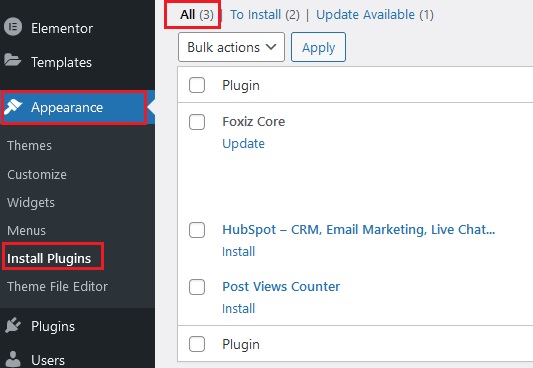
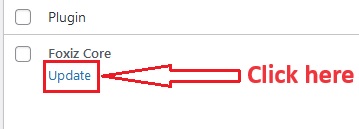
- In this area, you will see the update request for the Foxiz Core plugin.
- Click on the “Update” button.
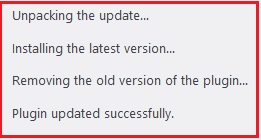
- After clicking the “Update” button, wait for the plugin to automatically update. Upon successful completion, a notification will appear as shown in the screenshot below.