
The Break Page Selection feature allows displaying a page selection when you use “Page Break” for a long post.
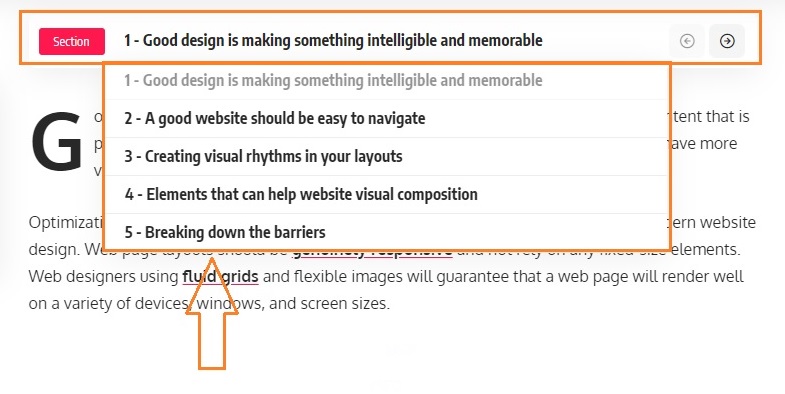
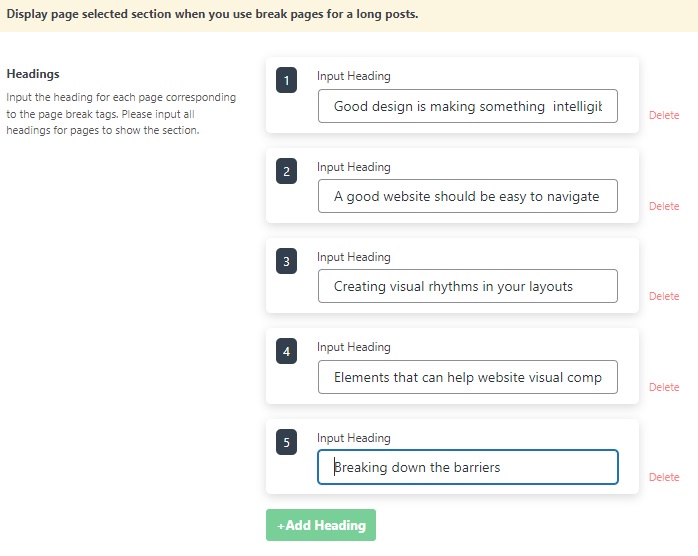
You need to input all headings for pages to show the section.
To get started, follow the steps below:
- Navigate to Posts > All Posts, then select and edit the post you would like.
- In the editor page, insert these “PAGE BREAK” blocks.

- Scrolling down to “Posts Options” and find “Break Page Selection”. And then input all headings for the pages.
- Update/Save/Publish button to save the changes.
Refer to Page Break Block for more details.
